
If you ride now and then, your phone is enough. Buy a bike computer only when a test ride shows the phone failing at something you need, such as navigation, battery life or sensor data.
Phone vs. bike computer: the quick decision
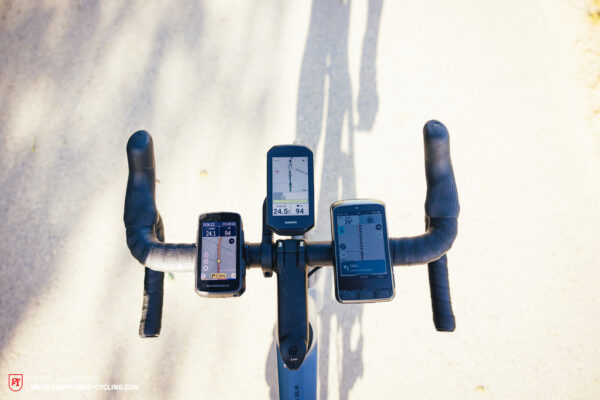
A smartphone can record a ride, show a detailed map and guide you through unfamiliar streets. A GPS bike computer puts a cycling-focused display on your handlebars, with its own battery and navigation and sensor features that depend on the model.
Decide what you need the device for: recording a route, glancing at occasional directions, following a map continuously, or watching training data from several sensors.
| What you need | Phone-first setup | When a bike computer makes sense |
|---|---|---|
| Record a familiar ride | Use your recording app, often with the screen off. | You want speed or other data visible throughout. |
| Occasional directions | Open your map to check a turn. | A fixed handlebar display is easier to glance at. |
| Continuous directions on unfamiliar routes | App, screen, mount and battery handle the job. | You want frequent prompts and a separate navigation battery. |
| Heart rate, cadence, or power | Your app supports the sensors you use. | You need broader sensor connections or a dedicated data display. |
A short ride through unfamiliar turns can demand constant guidance. A long familiar ride may need the screen only occasionally. Duration affects power use, but your need for visible directions and usable data matters more.
Navigation: maps, routes and changing plans
Both setups can follow a planned ride. The differences show up when you need a detailed street map, leave your course, or pick a new destination.
GPS or GNSS gives you a position. A map shows the roads around it. A saved route tells a compatible app or computer where you plan to go. Turn prompts, automatic rerouting and searching for a new place each come with their own software and connectivity requirements.
| Navigation task | Phone with suitable app | Dedicated bike computer |
|---|---|---|
| Show your position | Satellite positioning; no cellular data needed for the fix. | Its own GNSS receiver. |
| Display roads offline | Maps downloaded in advance, in apps that support them. | Onboard maps; some units show only a breadcrumb trail. |
| Follow a saved course | A downloaded route in a compatible app. | A route loaded or synced to the device. |
| Get back after a wrong turn | Rerouting in apps with downloaded routing data. | Some models calculate a route back to the course. |
| Choose a new destination | Map search and route creation, with a data connection. | Some models need a companion phone for entry. |
A computer that draws a line to follow suits a planned training loop. For spontaneous café stops or unfamiliar city streets, you need street names, nearby roads and flexible destination search.
How do you put a route on a bike computer?
You create or choose a route in a compatible phone app or web service, then sync it through a companion app, a connected account or a supported file import. Wahoo’s workflow accepts GPX, FIT and TCX files. Once the route is loaded, the computer guides you with its own positioning and stored map data.
Plenty of riders start from zero here. One poster asking about a navigation-focused computer didn’t really know how bike computers work or how to upload a route to one.
On the ELEMNT BOLT 3, a route saved in the Wahoo app transfers over Bluetooth with no active phone data connection. A route synced earlier over Wi-Fi can also be selected on the unit. Getting a new route can still need internet access.
The BOLT 3 offers onboard guidance such as Back on Track and Route to Start. It has no touchscreen, so some new-destination entry goes through the phone keyboard. Other ELEMNT models have different on-device route controls.
Offline maps are useful, with one boundary
With the right app, your phone shows downloaded maps and follows saved routes without cellular coverage. Ride with GPS’s Offline Maps guide covers downloaded maps and routes for Basic or Premium members. Creating an entirely new route still requires an internet connection.
Battery life: the hours you need
Wahoo rates the 2025 ELEMNT BOLT 3 at up to 20 hours. Garmin lists up to 26 hours in demanding use and 42 hours in battery-saver mode for the non-solar Edge 540 and 840. These are manufacturer ratings for specific devices and settings.
A phone’s endurance changes with screen brightness, navigation use, battery age and heat. A power bank extends it but adds cables and charging logistics. The computer needs charging too.
Screens, mounts, rain and heat on real rides
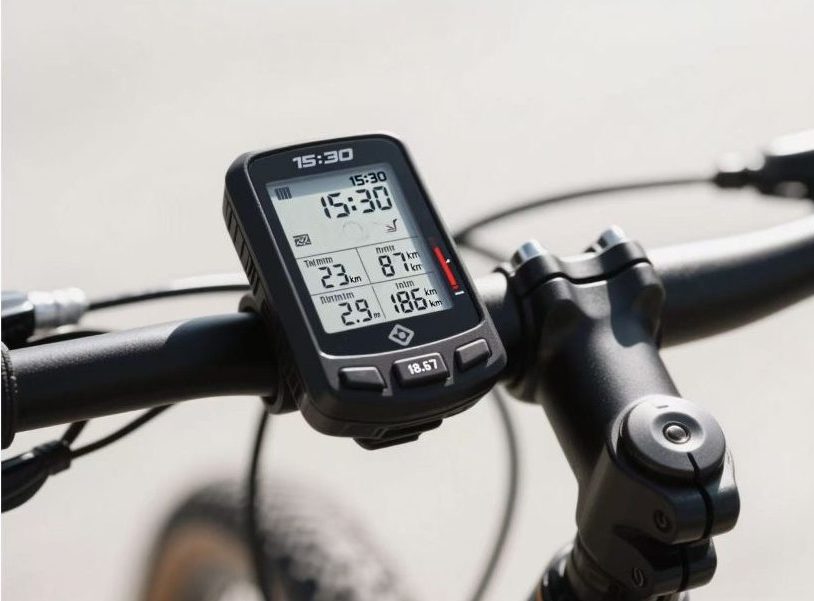
A phone’s larger screen makes it easier to explore side streets or zoom into an unfamiliar junction. On the handlebars, though, the same phone can eat up space, need a dedicated case or sit at an awkward viewing angle.
Some riders want a device for one job only. In an r/cycling discussion about navigating on a new road bike, a rider who already used an Apple Watch for recording wrote, “I literally only want it for navigation, I’ve considered sticking my AirPods in and listening to the navigation but I think that might get annoying after a while!”
A compact head unit frees handlebar space and gives you glanceable directions. Screen size, controls and mount fit decide whether it works for you.
The 2025 ELEMNT BOLT 3 has a 2.3-inch screen, weighs 84 g and carries an IPX7 water-resistance rating.
Physical buttons work with gloves or wet hands. A touchscreen makes map interaction easier when conditions are dry.
Heat, sunlight, and camera vibration
Bright sunlight can wash out a display, depending on the screen and its angle. Google lists extended navigation use and direct sun among the causes of Pixel phone heating. An overheated Pixel may slow down, charge more slowly, show an alert or shut off.
Apple warns that high-amplitude vibration, particularly from powerful motorcycle engines, can affect stabilization and autofocus in some iPhone cameras.
Whatever you mount, it needs a secure fit, reachable controls and a readable screen. In rain, protect the mount and any exposed charging connection.
Ride stats, heart-rate straps and GPS accuracy
For speed, distance and route history, a phone recording app does the job. Heart-rate straps, cadence sensors and power meters make the app’s pairing support matter.
Cycling sensors use Bluetooth Low Energy (BLE), ANT+ or both. The recording app decides which measurements it receives and saves.
| Recording setup | Heart rate | Cadence and power | Connections |
|---|---|---|---|
| Strava mobile Record, version 169 onward | Compatible BLE heart-rate monitors. | No direct pairing. | No native ANT+ support planned. |
| Wahoo ELEMNT BOLT 3 | Compatible cycling sensors. | Compatible cycling sensors. | Bluetooth LE and ANT+. |
Strava’s sensor-pairing page, updated September 18, 2026, covers BLE heart-rate pairing from app version 169. Other phone apps pair with a wider or narrower set of sensors. A smartwatch records a metric separately from sending it to another device.
If heart rate is all you track, a compatible strap and phone app cover it. If you follow several live training metrics, a head unit’s sensor connections and dedicated data fields fit better.
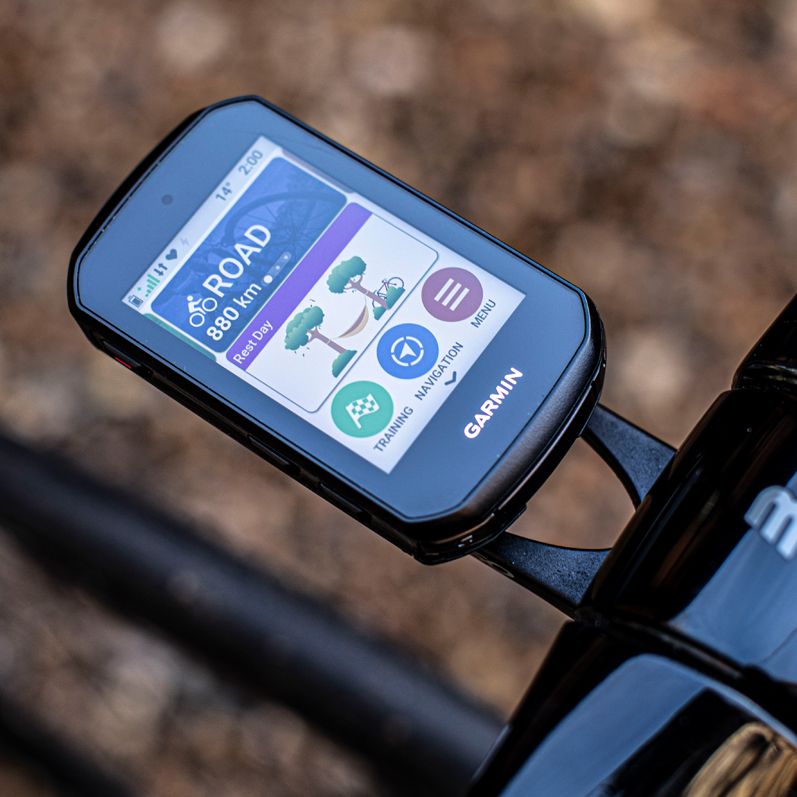
Is a bike computer’s GPS more accurate?
Position biases ranged from 0.1 to 1.4 meters across the devices in a 2026 study by Booth, Mitchell, and Siegmund. The researchers compared four bike computers, five watches and one app running on three phones, covering 61.6 km of road cycling and 207 minutes of recorded sessions. They checked consumer readings against reference measurements.
Two ride files can also report different distances or moving times, because apps process recordings differently.
What the two setups cost
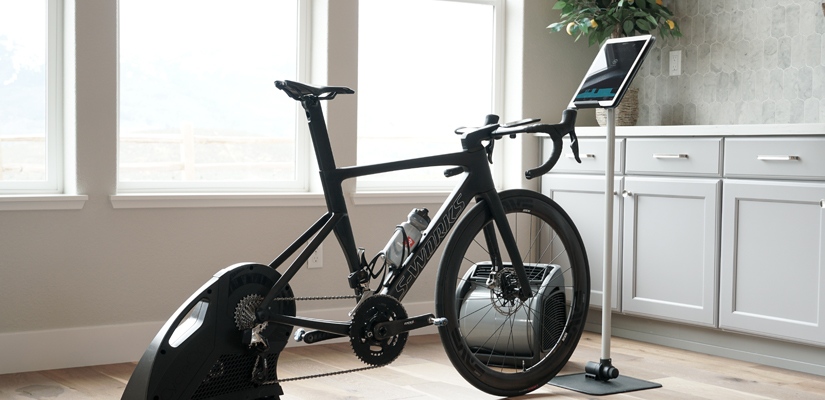
Your phone is already paid for, but cycling with it may need a secure mount, a case, a power bank or a navigation subscription. A computer adds an upfront purchase, and its package may include a mount and some navigation features. Count only what you would spend from now on.
- Phone setup: existing phone ($0 if adequate), mount or case, power bank and cable, mapping or recording subscription, and any sensors you don’t own yet.
- Computer setup: the unit itself, a mount if none is included, extra charging gear, a service or app subscription, and any sensors you don’t own yet.
Wahoo supplies a front mount and a USB-C cable with the BOLT 3. Ride with GPS ties its offline maps to the Basic or Premium tier.
A basic speed-and-distance computer is enough if you only want ride data on the bars. Street-level maps, turn guidance and flexible route changes need a model that offers them. Compare options at the same level of features.
Try this ride test before buying a computer
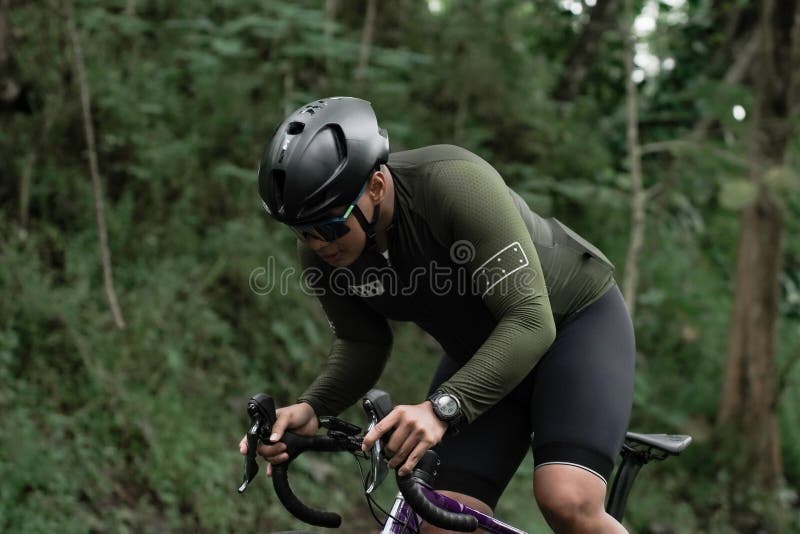
One ordinary ride with the phone and app you already plan to use tells you most of what you need to know.
A rider on r/bikepacking described the question ultralight packers ask about every item: “In the ultralight hive you always ask: Does this item do something crucial that no other of my items can do?” Apply it to a bike computer. If your phone already does the job, the answer is no.
- Set up your normal gear on a typical route. Use the same app and version, your usual brightness, a secure mount, any downloaded maps and the sensors you own. Write down the route type, expected duration, starting battery percentage and whether the screen stays on for guidance.
- Check the jobs at safe stops. Could you follow the route, recover from missed turns, see the map and record your sensor data? Note any unreadable screen, awkward control, charging issue or heat warning. Never handle the phone while moving.
- Note the ending battery. Decide whether enough charge remains for what you need after the ride.
- Decide. If the setup met your needs, keep it. If a better mount, app configuration or charging arrangement fixes the shortfall, try that first. If navigation, sensor display or battery reserve still falls short, look for a bike computer with the missing feature.
What if you already have a watch or want to use both?
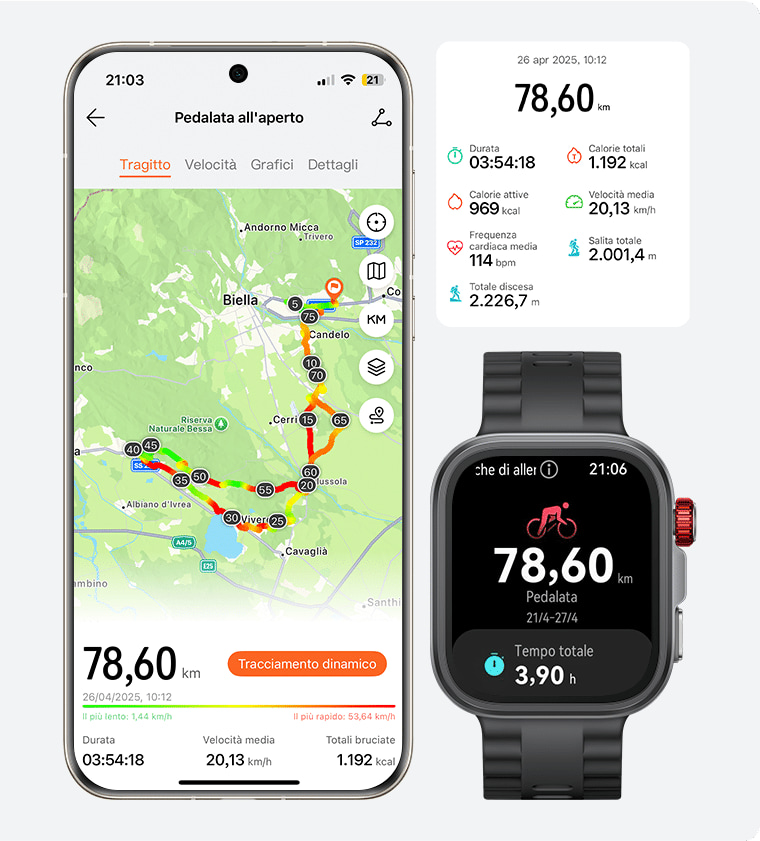
A watch can record the ride or track heart rate while your phone handles maps. A bike computer shows the route on the handlebars and records on its own battery, which leaves the phone stowed for calls and off-bike navigation.
Some watches pass heart-rate data to compatible cycling devices, but recording and broadcasting are separate features. Recording the same ride on several devices can create duplicate activities in connected services.
Location sharing and incident alerts, where a device offers them, depend on the device, its settings and its connections. They don’t guarantee that an alert arrives or that help comes.
If nothing fails
Run one ordinary ride with the phone and app you already plan to use, on a secure mount, and note what fails: battery, a screen you can’t read at a glance, missing sensor data. Whatever fails tells you what to look for in a computer, if you buy one at all.